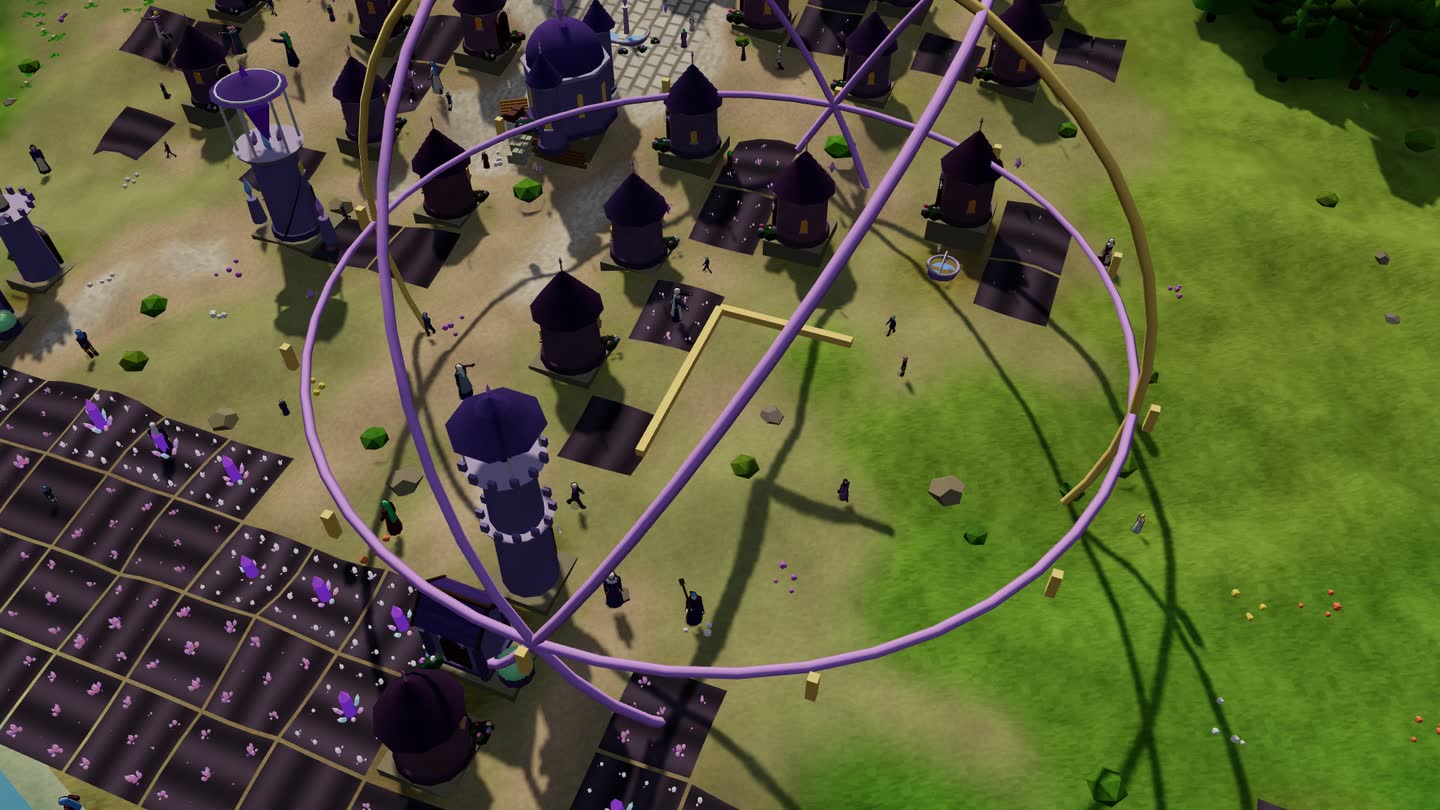
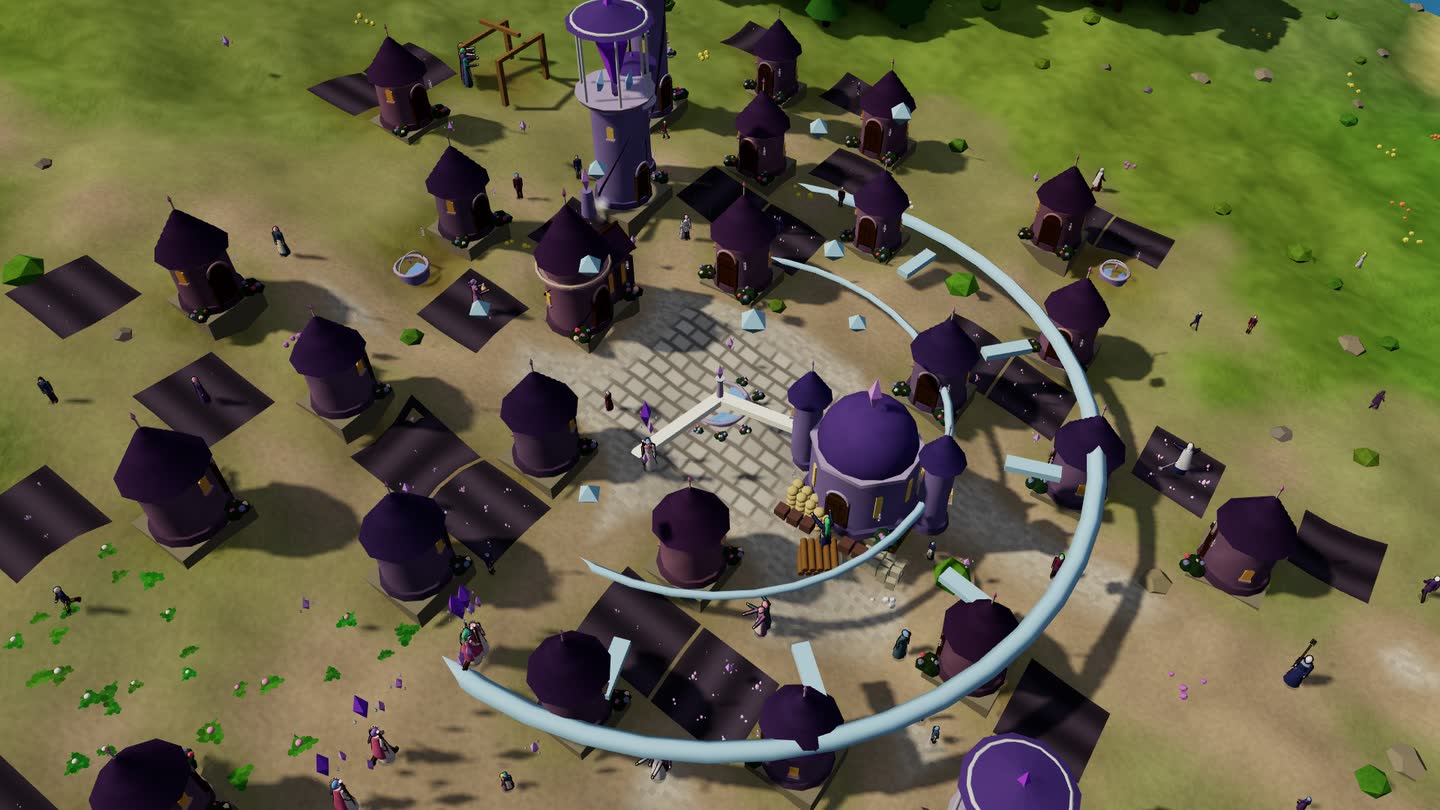
How to add it
- Press Buy the pack on this page. When you have paid you land on a page that gives you one file, arcane.godking. The pack is on its itch.io page too.
- Open the free game, here on this site or on its itch page.
- Go to Saves › Packs › Add a pack… and pick the file.
The pack is saved in that browser. If you clear that browser's data, add the file again. On an iPhone, save the file to Files first. If you play in both places, add it in each.
The page you land on after paying gives the file again for as long as we run this shop, so keep its address. Bought on itch.io, it is in your itch library.
Updates come in on their own. When we fix or add something for the Arcane, it arrives by itself: the game checks glimmerveil.dev for the pack's newest version (a plain download, the game sends nothing about you) and it's in from the next time you play.
You pay once. That gives you a personal licence to use the pack on your own devices. Please don't pass the file around: the packs are how we keep the base game free.